
Development Setup
Prerequisites
Optional but recommended:
Quick Start
1
Clone the repository
2
Download native libraries
.a files (libmariadb, libpq, etc.) from GitHub Releases into Libs/. Takes a few seconds.3
Create build config
4
Install tools
5
Open in Xcode
6
Configure signing
- Select the TablePro target
- Go to Signing & Capabilities
- Change Team to your Apple Developer account (free account works)
7
Build and run
Select the TablePro scheme, set destination to My Mac, press
Cmd+R.Or from the command line: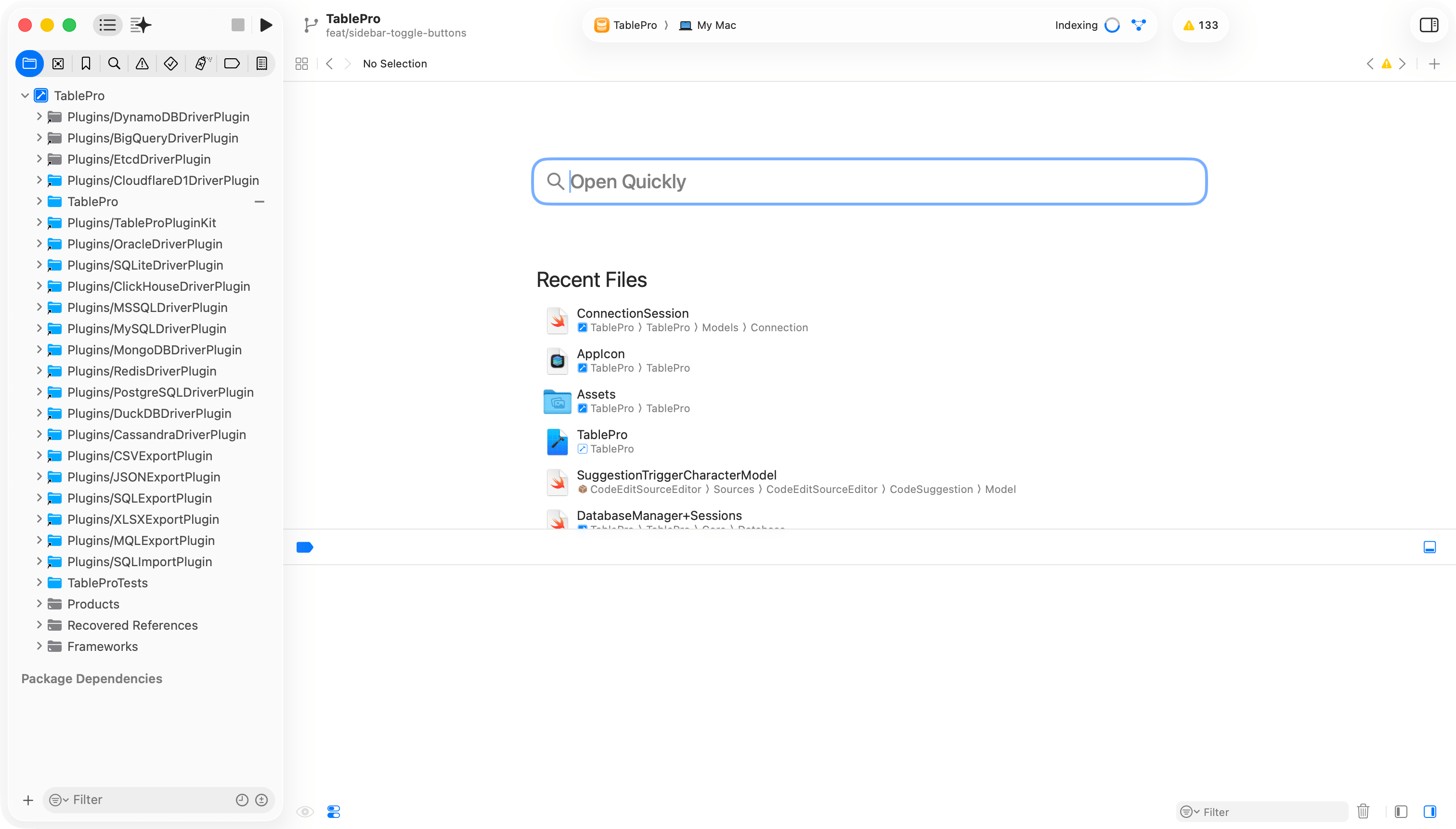
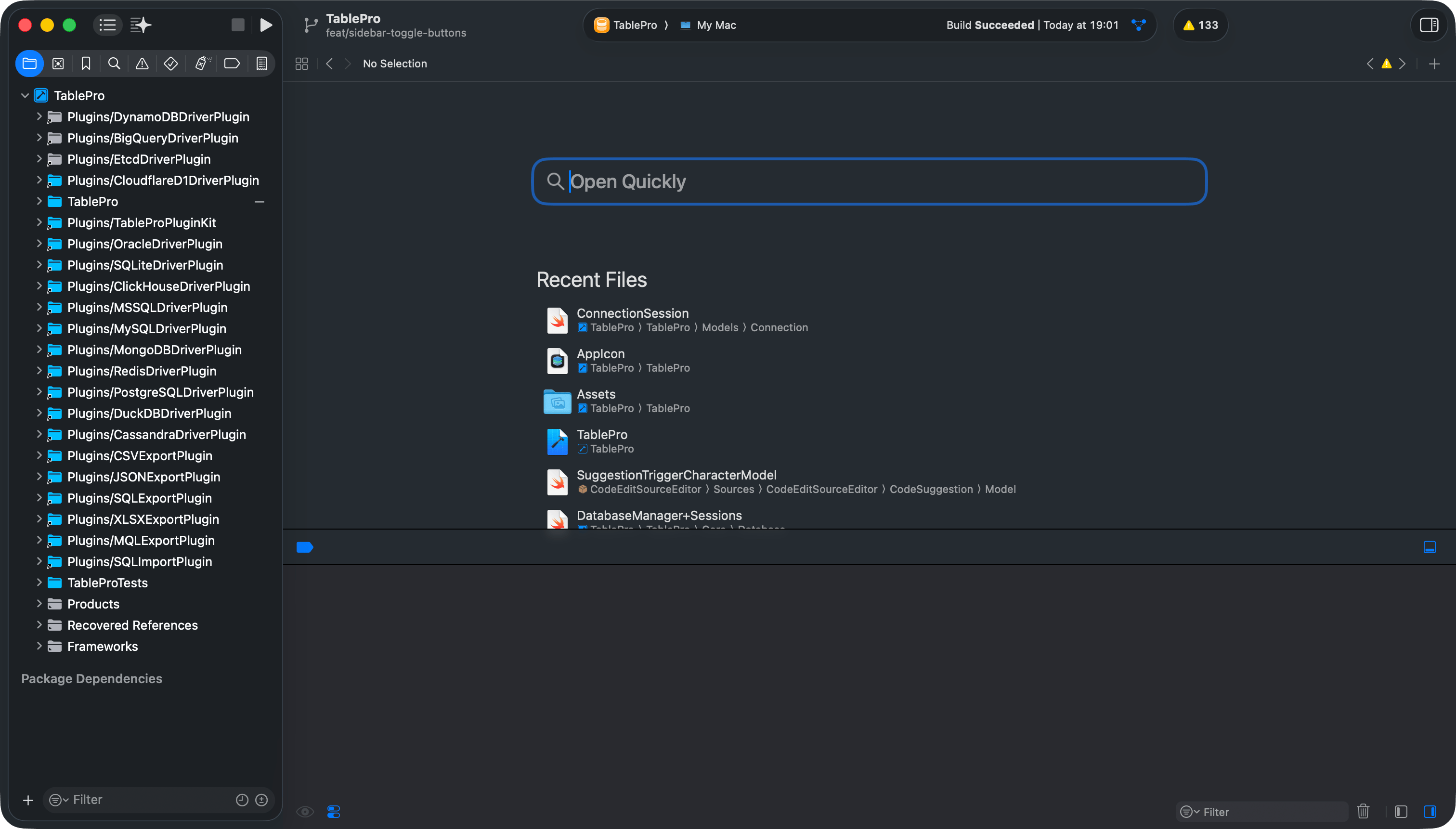
Xcode project setup
Project Structure
TablePro
Core
Views
Models
ViewModels
Extensions
Theme
Resources
Plugins
Libs
TableProTests
docs
scripts
Running Tests
Cmd+U.
Linting and Formatting
Troubleshooting
The
-skipPackagePluginValidation flag is required because CodeEditSourceEditor (an SPM dependency) bundles a SwiftLint plugin. Without this flag, CLI builds fail with a validation error.